Hoverboard Games Simulator2
Publisher Description
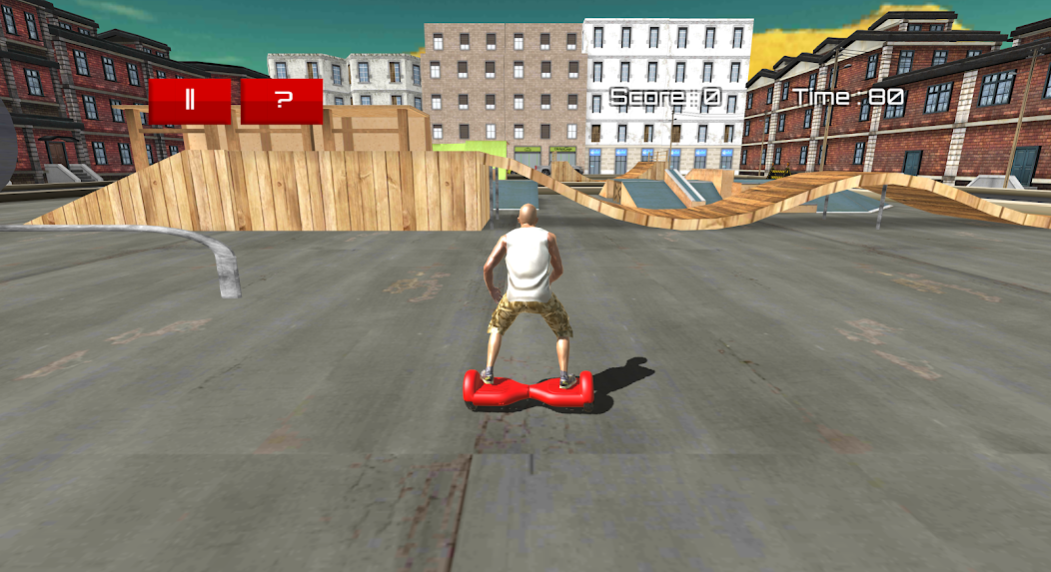
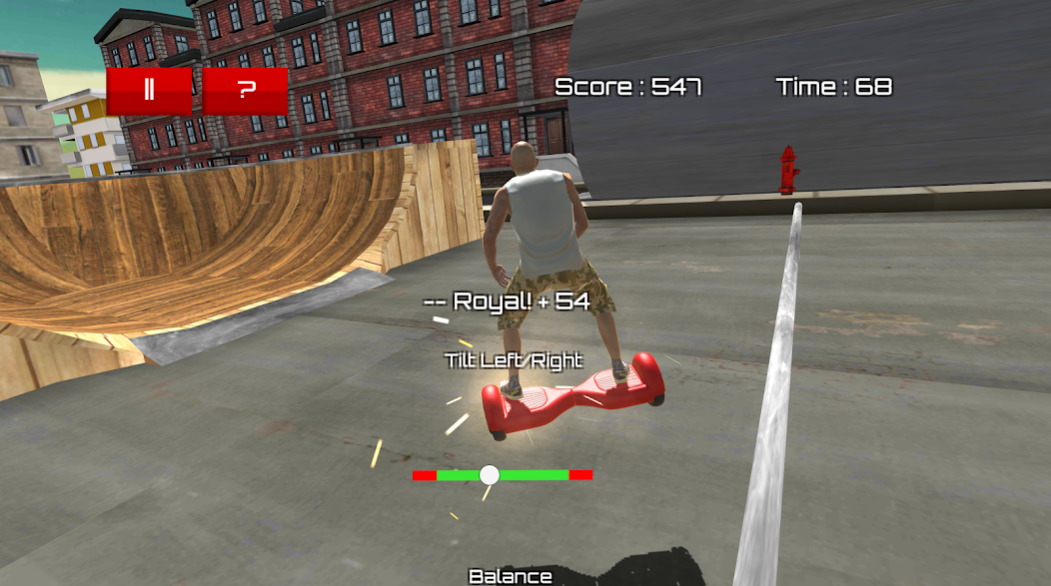
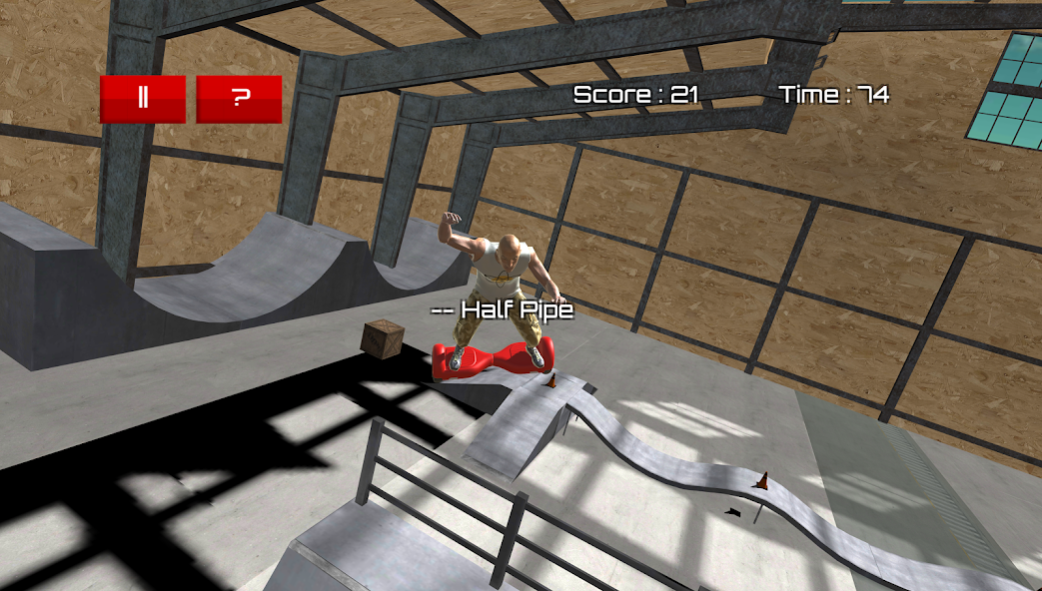

Do you love Hoverboard games or freestyle aggressive inline skating games? Then get on your Hoverboard and hit the ramps.
Lots of tricks perform such as slides/grinds, manuals, grabs, flips and half pipe stunts.
Features
- Cool Freestyle Hoverboard skating action
- Freestyle Hoverboard action
- Vertical ramps, bowls and jumps
A self-balancing scooter, Segway or self-balancing two-wheeled board, commonly referred to as a "hoverboard", is a type of portable, rechargeable battery-powered scooter. They typically consist of two wheels arranged side-by-side, with two small platforms between the wheels, on which the rider stands. The device is controlled by the rider's feet, standing on the built-in gyroscopic, sensored pads.
Hoverboarding can take place on found street obstacles or at skateparks. Hoverboarding skating primarily consists of performing grinds on ledges and rails, as well as jumping tall heights known as "gaps." Park skating recreates these obstacles with the additions of bowls and ramps on which "vert" skating can be performed.
About Hoverboard Games Simulator
The company that develops Hoverboard Games Simulator is Games - Polyester Sports Games Studio. The latest version released by its developer is 2.
To install Hoverboard Games Simulator on your Android device, just click the green Continue To App button above to start the installation process. The app is listed on our website since 2017-06-23 and was downloaded 7 times. We have already checked if the download link is safe, however for your own protection we recommend that you scan the downloaded app with your antivirus. Your antivirus may detect the Hoverboard Games Simulator as malware as malware if the download link to com.polyestergames.hoverboard is broken.
How to install Hoverboard Games Simulator on your Android device:
- Click on the Continue To App button on our website. This will redirect you to Google Play.
- Once the Hoverboard Games Simulator is shown in the Google Play listing of your Android device, you can start its download and installation. Tap on the Install button located below the search bar and to the right of the app icon.
- A pop-up window with the permissions required by Hoverboard Games Simulator will be shown. Click on Accept to continue the process.
- Hoverboard Games Simulator will be downloaded onto your device, displaying a progress. Once the download completes, the installation will start and you'll get a notification after the installation is finished.
Program Details
System requirements
Download information
Pricing
Version History
version 2
posted on 2017-06-23
Bug fixes
